What's
new
MAY 2026
Send to everyone in one go
No need to select each person individually. Create contact groups and send transfers instantly to the whole team in one go.
Because adding 23 people individually gets old fast.

MAY 2026
Keep an eye on your upload from another tab
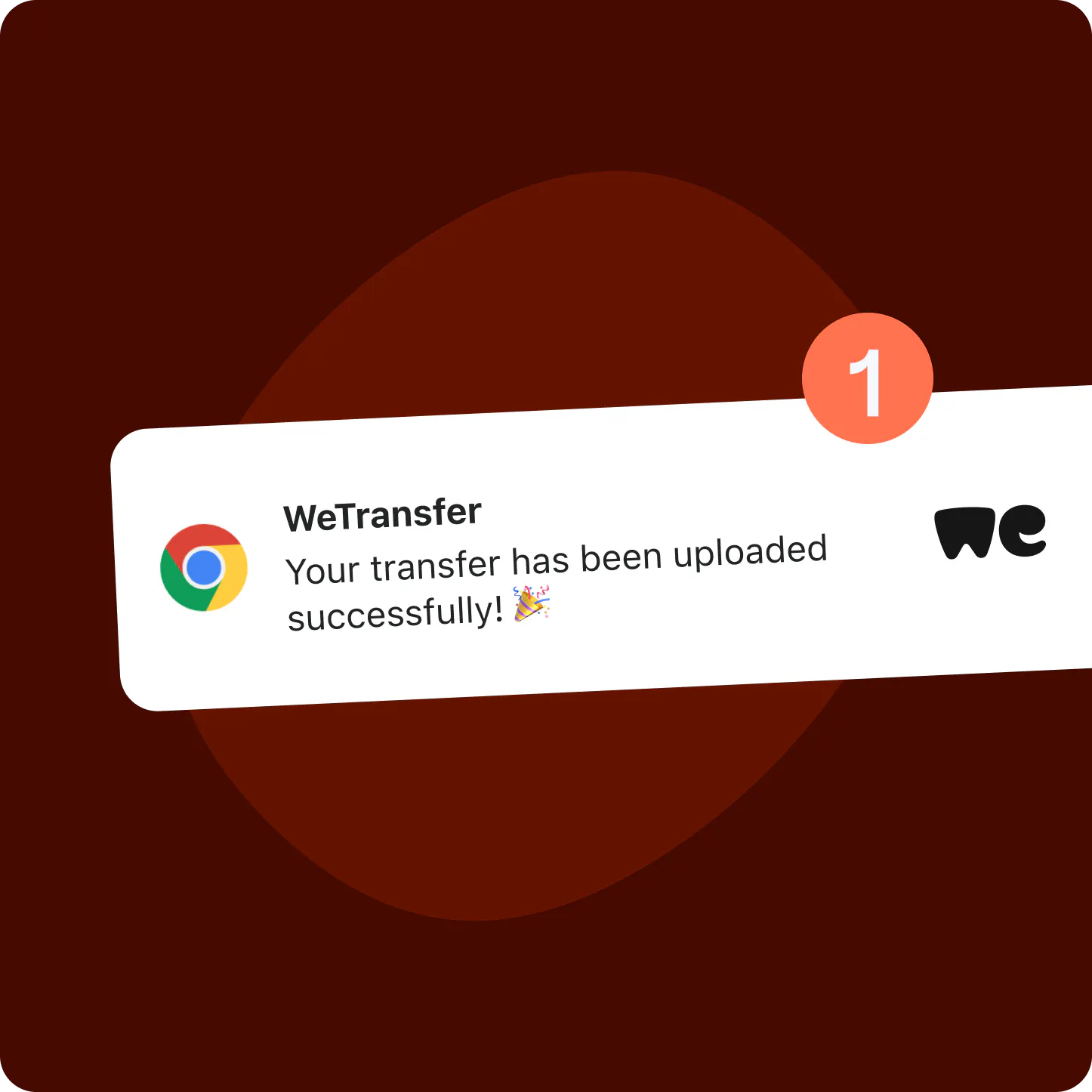
Turn on browser notifications in supported browsers to know exactly when your upload finishes, even if you’re working in another tab.
No need to check back, we’ll let you know when it’s done.
APRIL 2026
Handle feedback inside Previews
Turn on favorites and comments in transfer settings so recipients can share their thoughts as they preview your files.
No more back-and-forth emails, recipients can tell you what’s landing right inside your transfer.

MARCH 2026
Stay in control, even after you hit send
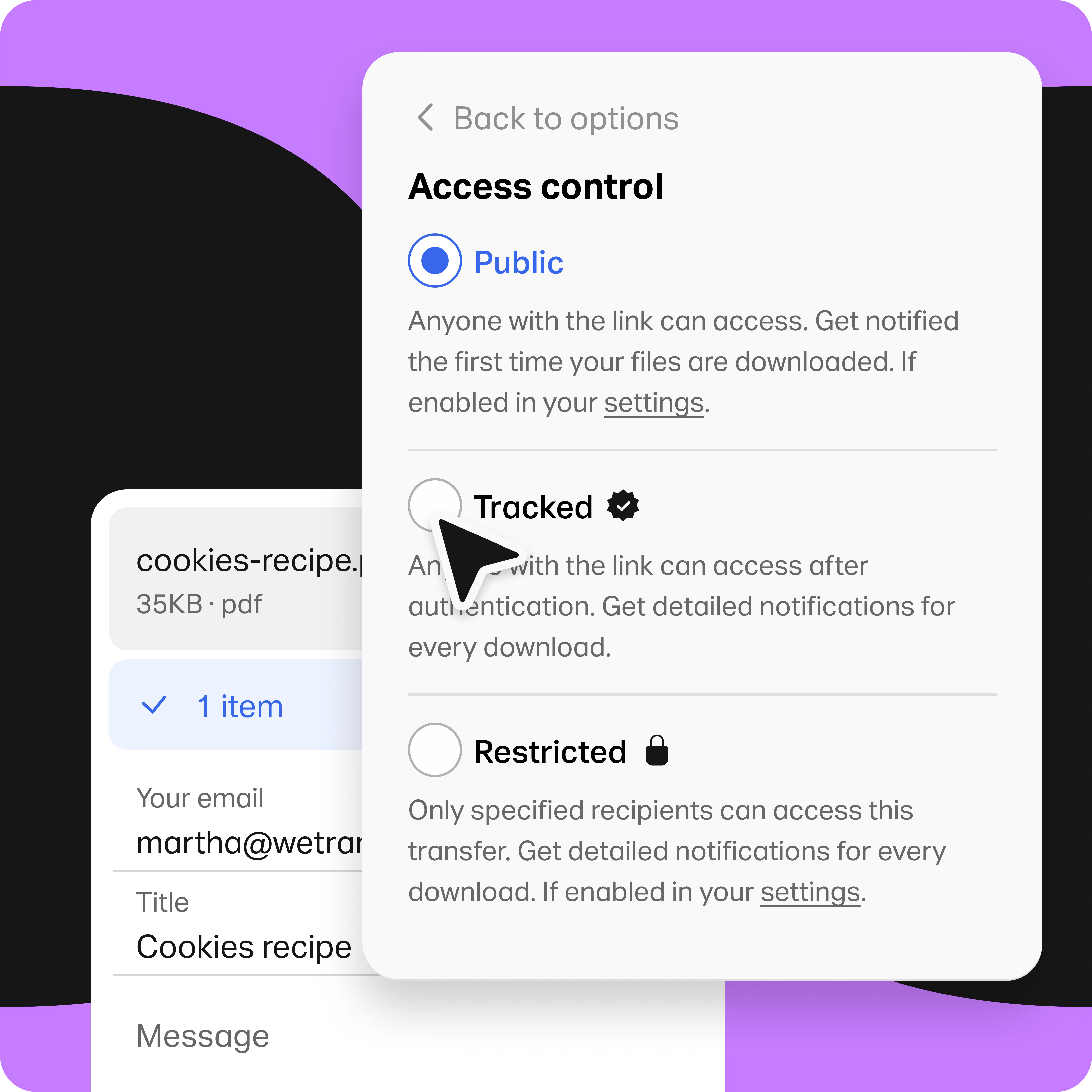
Update who can access your restricted transfers anytime, right from the transfer details page.
Because sometimes plans change post send.
MARCH 2026
Bring a little personality to your transfers
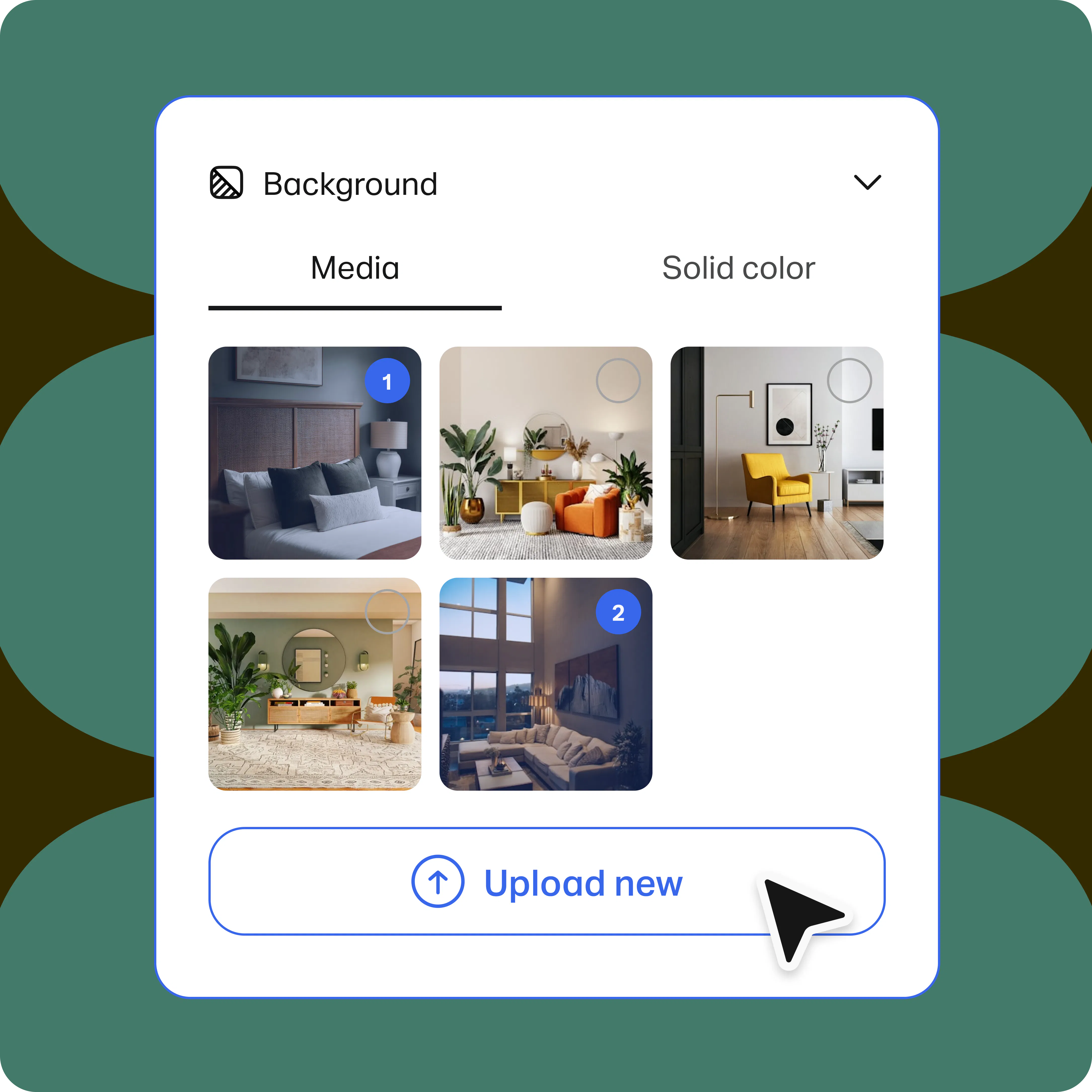
Customize your transfers with a background image, color, and personal message. Whether you’re sharing client work or sending ideas to collaborators, make your transfers reflect your style.
After all, if the work feels like you, the handoff should too.